FREE DURING BETA
Get work approved, without the back-and-forth.
Share a design, video or PDF with one link. Anyone can tap on it, type or speak their feedback, and approve. No signup, no app. Every version and every decision in one place.
No credit card. The people you share with never need an account.
 12PAGE 3 / 5
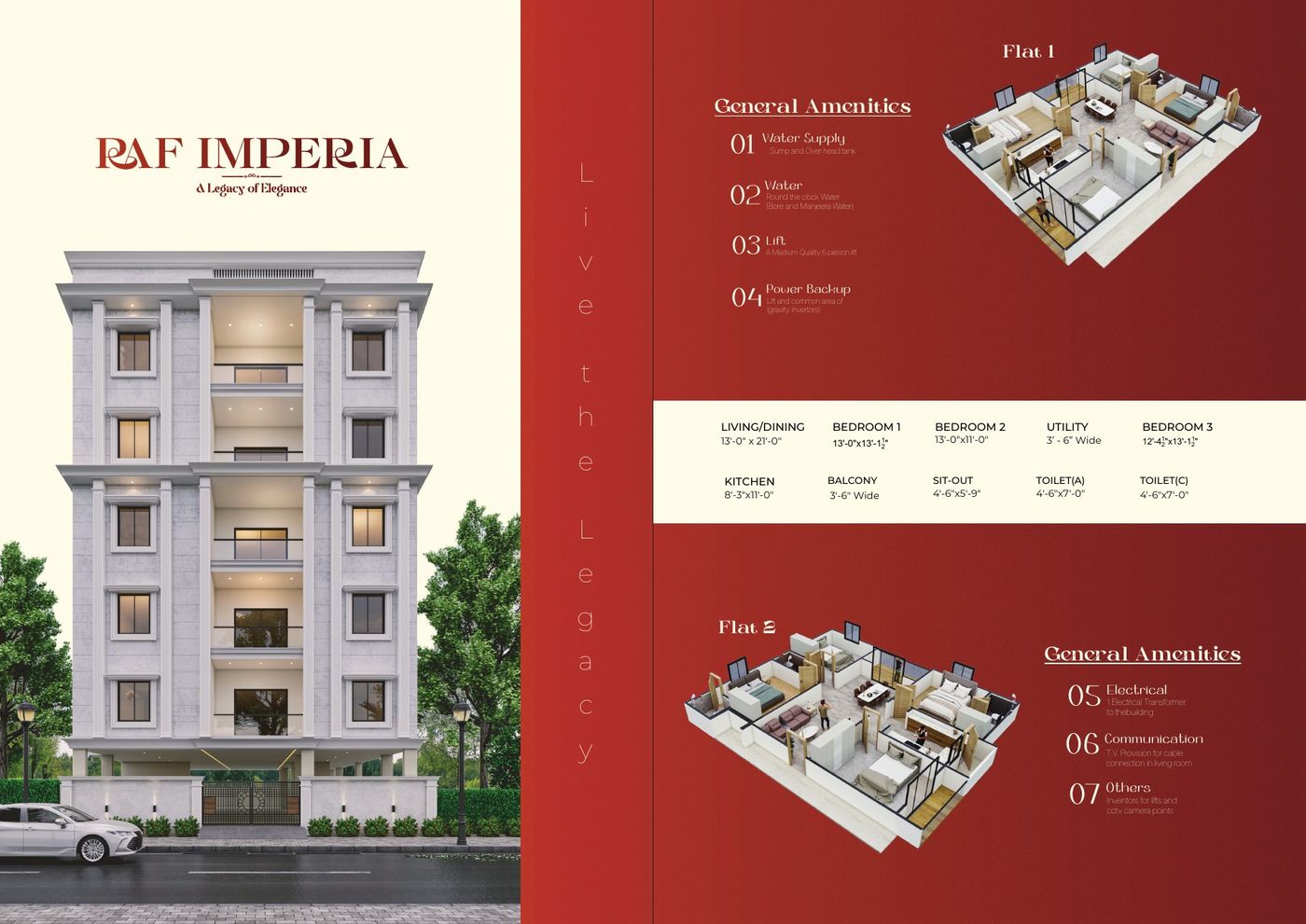
Please label the rooms on this 3D plan.
Added in v2.
THE PROBLEM
Sound familiar?
TODAY
WITH KLYP
HOW IT WORKS
Three steps. That’s it.
Add your work
Images, PDFs, videos up to 1.5 GB, audio or 3D. Drag them in, or paste a screenshot.
Send one link
Pick what they see and send the link wherever you already talk. It opens on any phone. No account, no app.
Get notes, then a yes
They tap the work and type or speak. You upload v2, tick off each note, and see who approved.
EVERYTHING KLYP DOES
Every action, in one place.
You made it. They decide. Here is what each of you can do.
- 01
Projects for every job
Each project has a name, a short brief and the client it’s for.
- 02
Sections on a board
Split the work into tabs, like Logo or Social posts. Drag a design onto another tab to move it.
- 03
Upload anything
Images, multi-page PDFs, video up to 1.5 GB, audio and 3D files. Drop them in or paste with ⌘V.
- 04
Find references
Search free photo, video, icon and font libraries inside the project and save results to a section.
- 05
Pull the colours
Get the palette of one design or a whole section, then copy any HEX code.
- 06
Upload a new version
Drop the new file on a card and it becomes v2. Every earlier version is kept. Wrong file? Undo.
- 07
Versions, managed
Tap the version tag on a card to view, separate or remove a version. Already uploaded? Mark it as a newer version of another design.
- 08
Before and after
Switch between now and before, or compare side by side, page by page for PDFs.
- 09
What they asked last time
On v2, see every note from v1 with “2 of 3 done”, and mark each one done.
- 10
One share link
Share chosen sections or the whole board. New work shows up on the same link. Turn it off anytime.
- 11
Tell them on WhatsApp
After an upload, Klyp writes the message for you. One tap to send.
- 12
Reply, resolve, reopen
Answer each note in its thread, by text or voice. Close it when it’s done.
- 13
Approvals and downloads
See who approved and when. Unlock final files per person, or reopen for one person or everyone.
- 14
Never miss a note
Live alerts while you work, a count on each project, and one email when the client goes quiet. You can turn emails off.
- 15
Client memory
Every client’s past projects and feedback in one place, before you start the next one.
WHO IT’S FOR
For anyone who makes work for someone else
One person makes it, another decides. Klyp is the simple part in between.
Less back-and-forth.
More work approved.
Set up your first project in under a minute. Free during beta.
Start freeGETKLYP.COM